
 Insights
Essential Interview Prep: How to Prepare and Succeed in a Video Interview
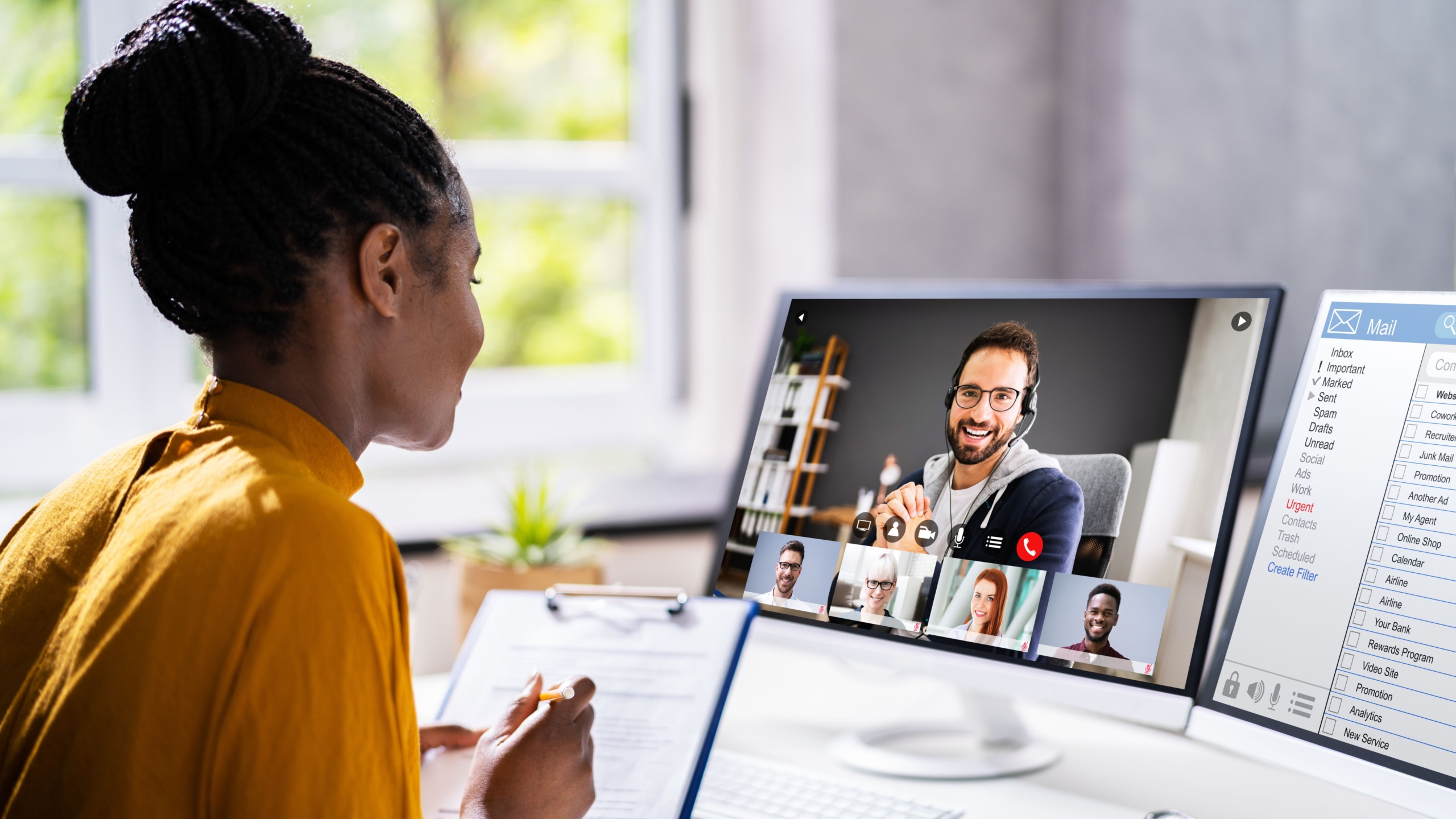
You Landed An Interview – But It’s Online!
The COVID-19 pandemic changed the world – and the job market – with video interviews quickly becoming the new norm.
While we as a recruitment agency still believe in the power of face-to-face interaction (there’s nothing quite like human connection), we understand the digital shift and want to help you navigate it confidently.
Video interviews are here to stay, and first impressions still matter – even through a screen. So how do you make a virtual interview feel just as professional and impactful as an in-person one?
Here’s how to prepare like a pro and leave a lasting impression:
Dress Like You Mean Business
Just because you’re not shaking hands in person doesn’t mean presentation doesn’t count. What you wear still sends a message.
Dress smartly – head to toe. You never know when you might need to stand up (we’ve seen it happen!). Even if only your upper half is visible, dressing fully helps you feel more professional.
- Choose neat, professional attire that reflects the company culture.
- Avoid busy patterns or flashy logos.
- Smile and maintain eye contact – these now replace the all-important handshake.
Fun Tip: Wearing the company’s brand colours (subtly) has been linked to a subconscious sense of belonging. It’s a small detail, but it may help you stand out!
Be Punctual – And Then Some
There’s no “waiting in reception” buffer in a virtual interview – so timing is crucial.
Be logged in and ready at least 15 minutes early.
This gives you time to:
- Check your audio and camera.
- Close any unnecessary tabs or apps.
- Deal with any unexpected updates (thanks, Murphy’s Law!).
If something does go wrong – like your laptop freezes or the app crashes – communicate immediately. Call your recruiter and the company if you can.
Apologise briefly and professionally, and let them know your revised ETA.
Your Setup: Location, Location, Location
Your interview space says a lot about your preparation. Choose a space that’s clean, quiet, and distraction-free.
Audio Tips:
- Find a private area – no background music or TV.
- Lock the door if needed to avoid interruptions.
- Use headphones for clearer sound and to minimise feedback.
Video Tips:
- Use a stable surface – no handheld shaking!
- Position your camera so your face and shoulders are visible.
- Maintain a neutral or tidy background – avoid clutter, posters, or busy scenes.
- Ensure your device is fully charged or plugged in.
- Check your internet connection, especially if load shedding is scheduled.
- Avoid relying solely on mobile data or weak signal zones.
Lighting Tip:
- Natural light is best – face a window if you can. If not, place two lamps on either side of your camera to avoid shadows. Just one? You risk a dramatic half-shadow “Zorro” look. And unless you’re auditioning for a movie – maybe not ideal.
Test Everything Beforehand
A flawless setup shows your professionalism and attention to detail.
Do a test call. Ask a friend or family member to hop on a video chat so you can:
- Check the framing of your camera.
- Ensure your mic and speaker work well.
- Test your Wi-Fi or hotspot speed.
- Practice maintaining eye contact through the lens (not just on the screen).
Even just one practice session can make a world of difference in your confidence and presence.
Know Your Stuff
Yes, it’s a video interview – but it’s still an interview. Be just as prepared as you would be for an in-person meeting.
- Know your CV inside and out.
- Be familiar with the job description.
- Prepare examples of how your experience matches the job.
- Be ready to answer (and ask!) thoughtful questions.
Quick Final Checklist:
Before you hit “Join Meeting”, run through this quick list:
-
- You’re dressed appropriately – head to toe.
- Your camera angle and lighting are on point.
- Your background is tidy and distraction-free.
- Your mic and speakers are working.
- Your devices are charged, with no pending updates.
- You’re in a quiet space with a reliable signal or Wi-Fi.
- You’ve closed other tabs or muted notifications.
- You’re not eating, chewing gum, or multitasking.
- You’ve logged on early and tested everything.
Final Thoughts
Video interviews might feel a little awkward at first, but with the right prep, you can shine just as brightly as you would in person.
Present yourself professionally, be mindful of your environment, and bring your best self to the screen. You never get a second chance at a first impression – even virtually.
You’ve got this.